The Problem Link to heading
UniFi OS Server (the controller software that runs on UniFi OS devices like Cloud Gateways, Dream Machines, etc.) works perfectly when accessed directly at https://<vm-ip>:11443. But put it behind a reverse proxy and you’ll hit a wall: the page loads partially, WebSocket connections get refused, and the UI hangs indefinitely.
This is a known issue with UniFi OS—it’s picky about Host and Origin headers, and its WebSocket handling doesn’t play nice with standard reverse proxy configurations.
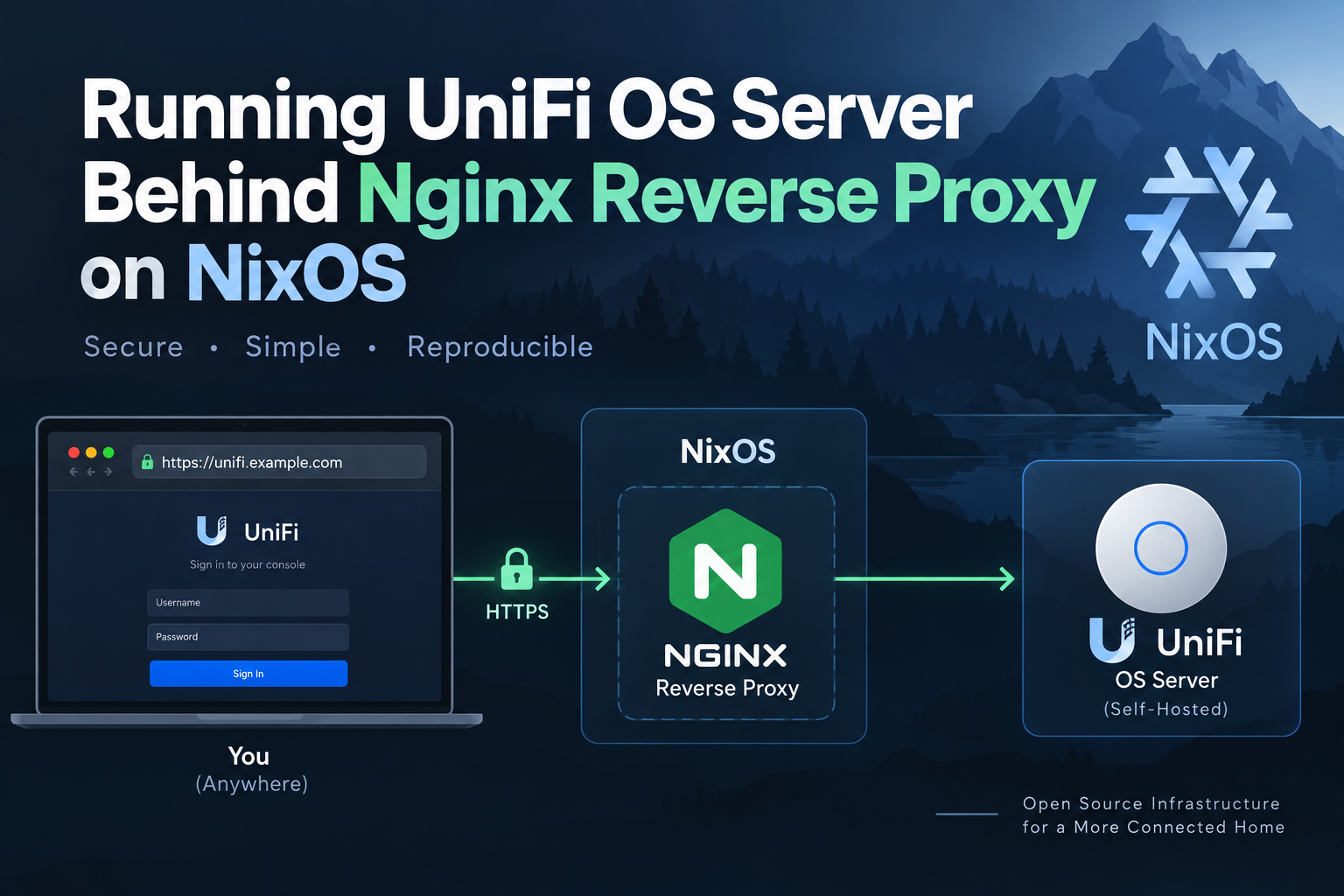
The Architecture Link to heading
┌─────────────────┐     ┌──────────────────┐     ┌─────────────────────┐
│   Internet      │────▶│  Nginx (NixOS)   │────▶│  UniFi OS VM        │
│  uos.domain.tld │     │  TLS termination │     │  Debian 13 + Podman │
│                 │     │  Reverse proxy   │     │  192.168.1.250:11443│
└─────────────────┘     └──────────────────┘     └─────────────────────┘
Host (server): NixOS server running Nginx with ACME certificates VM (uos): Debian 13 (Trixie) running on libvirt/QEMU with a ZFS zvol, UniFi OS installed via official installer using Podman
VM Setup: Debian 13 on libvirt with Cloud-Init Link to heading
Storage: ZFS zvol Link to heading
zvolDisk = "/dev/zvol/zpool1/uos-disk";
A dedicated ZFS zvol gives us snapshots, compression, and easy backups.
Cloud-Init Configuration Link to heading
user-data (configs/parts/uos/user-data):
#cloud-config
hostname: uos
users:
  - name: username
    sudo: ALL=(ALL) NOPASSWD:ALL
    shell: /bin/bash
    ssh_authorized_keys:
      - ssh-ed25519 SOME_KEY username@laptop
      - ssh-ed25519 SOME_KEY username@server
chpasswd:
  list: |
    root:disabled
  expire: False
ssh_pwauth: false
disable_root: true
package_update: true
package_upgrade: true
manage_etc_hosts: true
packages:
  - qemu-guest-agent
  - openssh-server
runcmd:
  - [ systemctl, start, qemu-guest-agent ]
  - [ systemctl, start, ssh ]
network-config (configs/parts/uos/network-config):
version: 2
ethernets:
  eth0:
    match:
      name: "e*"
    set-name: eth0
    addresses: [192.168.1.250/24]
    gateway4: 192.168.0.1
    nameservers:
      addresses: [192.168.1.1]
meta-data (configs/parts/uos/meta-data):
instance-id: uos-3
local-hostname: uos
Systemd Services for VM Lifecycle Link to heading
The NixOS configuration orchestrates the VM with several systemd services:
- uos-fetch-image — Downloads Debian 13 generic cloud image (raw preferred, qcow2 fallback)
- uos-cloudinit-seed — Generates seed.iso from cloud-init files
- uos-seed-disk — Writes the Debian image to the ZFS zvol (first boot only)
- uos-define-domain — Creates/updates the libvirt domain with bridged networking on
br0 - uos-reprovision — Emergency “nuke and rebuild” command
The VM gets a static IP (192.168.1.250) on the bridged network, making it directly addressable from the Nginx host.
UniFi OS Installation Inside the VM Link to heading
Once the Debian VM is running, UniFi OS is installed using the official installer:
# Inside the VM
curl -fsSL https://get.unifi.ui.com/unifi-os/install.sh | bash
This installs UniFi OS via Podman. The service listens on port 11443 with a self-signed certificate.
The Nginx Reverse Proxy Configuration Link to heading
This is where the magic happens. The key insight: UniFi OS validates the Host and Origin headers against its own internal IP:port, not your public domain.
Complete NixOS Nginx Configuration Link to heading
# configs/parts/server-server-uos.nix

services.nginx.virtualHosts = lib.mkAfter {
  "uos.domain.tld" = {
    forceSSL = true;
    enableACME = false;
    sslCertificate = "${nginxCertDir}/domain.tld/fullchain.pem";
    sslCertificateKey = "${nginxCertDir}/domain.tld/key.pem";

    locations."/" = {
      proxyPass = "https://${vmIP}:11443";

      # Native NixOS WebSocket support - handles Upgrade/Connection headers correctly
      proxyWebsockets = true;

      # Disable global recommendedProxySettings to avoid header conflicts
      recommendedProxySettings = false;

      extraConfig = ''
        # UniFi OS Server backend
        proxy_ssl_verify off;

        # CRITICAL: Match the upstream Host: IP:11443
        # UniFi OS expects to see its own IP:port in the Host header
        proxy_set_header Host $proxy_host;

        # CRITICAL: Blank Origin and Referer
        # UniFi OS rejects WebSocket connections when Origin doesn't match
        proxy_set_header Origin "";
        proxy_set_header Referer "";

        # Preserve client information for logging/analytics
        proxy_set_header X-Real-IP $remote_addr;
        proxy_set_header X-Forwarded-For $proxy_add_x_forwarded_for;
        proxy_set_header X-Forwarded-Proto $scheme;
        proxy_set_header X-Forwarded-Host $host;

        # Long-lived connections for WebSocket
        proxy_connect_timeout 60s;
        proxy_read_timeout 300s;
        proxy_send_timeout 300s;

        proxy_buffering off;
      '';
    };
  };
};
Why Each Setting Matters Link to heading
| Setting | Purpose |
|---|---|
proxyWebsockets = true | Native NixOS WebSocket support—generates correct Upgrade/Connection headers only when needed |
recommendedProxySettings = false | Prevents Nginx from setting Host $host globally, which would conflict with our location-specific override |
proxy_ssl_verify off | Upstream uses self-signed cert on internal IP; SNI verification would fail |
proxy_set_header Host $proxy_host | The fix: Sends 192.168.1.250:11443 instead of uos.domain.tld |
proxy_set_header Origin "" | The fix: Removes Origin header that causes WebSocket rejection |
proxy_set_header Referer "" | Additional compatibility—some UniFi versions check Referer too |
X-Forwarded-* headers | Preserve client IP, protocol, and original host for logging |
proxy_buffering off | Required for WebSocket and long-polling |
| Extended timeouts | UniFi OS WebSocket connections are long-lived |
The Journey: What Didn’t Work Link to heading
Attempt 1: Standard Reverse Proxy Link to heading
proxy_set_header Host $host;
proxy_set_header X-Forwarded-For $proxy_add_x_forwarded_for;
Result: Page loads partially, WebSocket connection refused.
Attempt 2: WebSocket Headers Only Link to heading
proxy_http_version 1.1;
proxy_set_header Upgrade $http_upgrade;
proxy_set_header Connection "upgrade";
Result: Still refused—UniFi OS was validating Origin against public domain.
Attempt 3: Blank Origin for WebSocket Only (via map) Link to heading
map $http_upgrade $uos_origin {
  default       $http_origin;
  ~*^websocket$ "";
}
proxy_set_header Origin $uos_origin;
Result: Better, but still intermittent issues.
Attempt 4: Blank Origin + Blank Referer + Correct Host (Current) Link to heading
proxy_set_header Host $proxy_host;
proxy_set_header Origin "";
proxy_set_header Referer "";
Result: Works reliably.
Security Considerations Link to heading
| Concern | Mitigation |
|---|---|
proxy_ssl_verify off | Internal network only; consider cert pinning if exposed |
Blank Origin/Referer | Weakens CSRF-like checks; acceptable for trusted internal service |
| Self-signed upstream cert | Normal for UniFi OS; TLS still encrypts traffic |
Future improvement: If UniFi OS supports custom certificates, provision a proper cert for the internal IP and enable proxy_ssl_verify on with proxy_ssl_trusted_certificate.
Validation Commands Link to heading
# Format Nix code
nix fmt

# Evaluate configuration (dry-run)
nix build .#nixosConfigurations.server.config.system.build.toplevel

# Test apply (non-permanent, reverts on reboot)
sudo nixos-rebuild test --flake .#server

# Inspect generated Nginx config
sudo nginx -T | sed -n '/server_name uos\./,/}/p'

# Verify key headers in generated config
sudo nginx -T | grep -A2 'proxy_set_header Host'
sudo nginx -T | grep -A2 'proxy_set_header Origin'

# Permanent deploy (after verification)
sudo nixos-rebuild switch --flake .#server
Troubleshooting Checklist Link to heading
- VM has static IP and is reachable from Nginx host:
curl -k https://192.168.1.250:11443 - Nginx can resolve/connect to VM IP
- TLS certificates exist at
${nginxCertDir}/domain.tld/ -
proxyWebsockets = trueis set on the location -
recommendedProxySettings = falseon the location (prevents Host header conflict) -
proxy_set_header Host $proxy_host(not$host) -
proxy_set_header Origin ""andproxy_set_header Referer "" -
proxy_ssl_verify offfor self-signed upstream - Timeouts sufficient for WebSocket (300s read/send)
Complete File Reference Link to heading
All configuration lives in the NixOS flake:
configs/
├── parts/
│   ├── server-server-uos.nix      # Main VM + Nginx config
│   ├── uos/
│   │   ├── user-data                # Cloud-init user config
│   │   ├── meta-data                # Cloud-init instance metadata
│   │   └── network-config           # Static network config
│   └── server-server-web.nix      # Global Nginx settings
Conclusion Link to heading
The key to running UniFi OS behind Nginx is understanding that it validates headers against its internal identity (IP:port), not your public domain. By sending Host $proxy_host and blanking Origin/Referer, you satisfy UniFi OS’s internal checks while still terminating TLS at your public edge.
This setup has been running reliably for months, handling WebSocket connections for real-time UI updates, device adoption, and live statistics without issues.
Running NixOS 26.05+ with flakes. Configuration managed in a private dotfiles repository.